
What Information to Include in a Support Request
Short answerEvery technical ticket needs account email, service ID, primary IP, exact error text, steps tried, UTC timestamps, and redacted screenshots — never passwords.
Overview
Complete tickets resolve faster. VPSGrid support handles billing, platform, and provisioning on unmanaged VPS — not general application debugging unless scope says otherwise.
- Account email (never password)
- Service ID or hostname
- Primary IP address
- Exact error message text
- Numbered steps already tried
- Timestamp with timezone (UTC preferred)
- Screenshots or logs — redact secrets
Billing tickets
Invoice number, payment method last four digits, gateway error text, transaction date from Billing → My Invoices.
Access issues
Active vs Suspended status, SSH/RDP/noVNC results, recent firewall or reinstall changes. Confirm status screenshot:
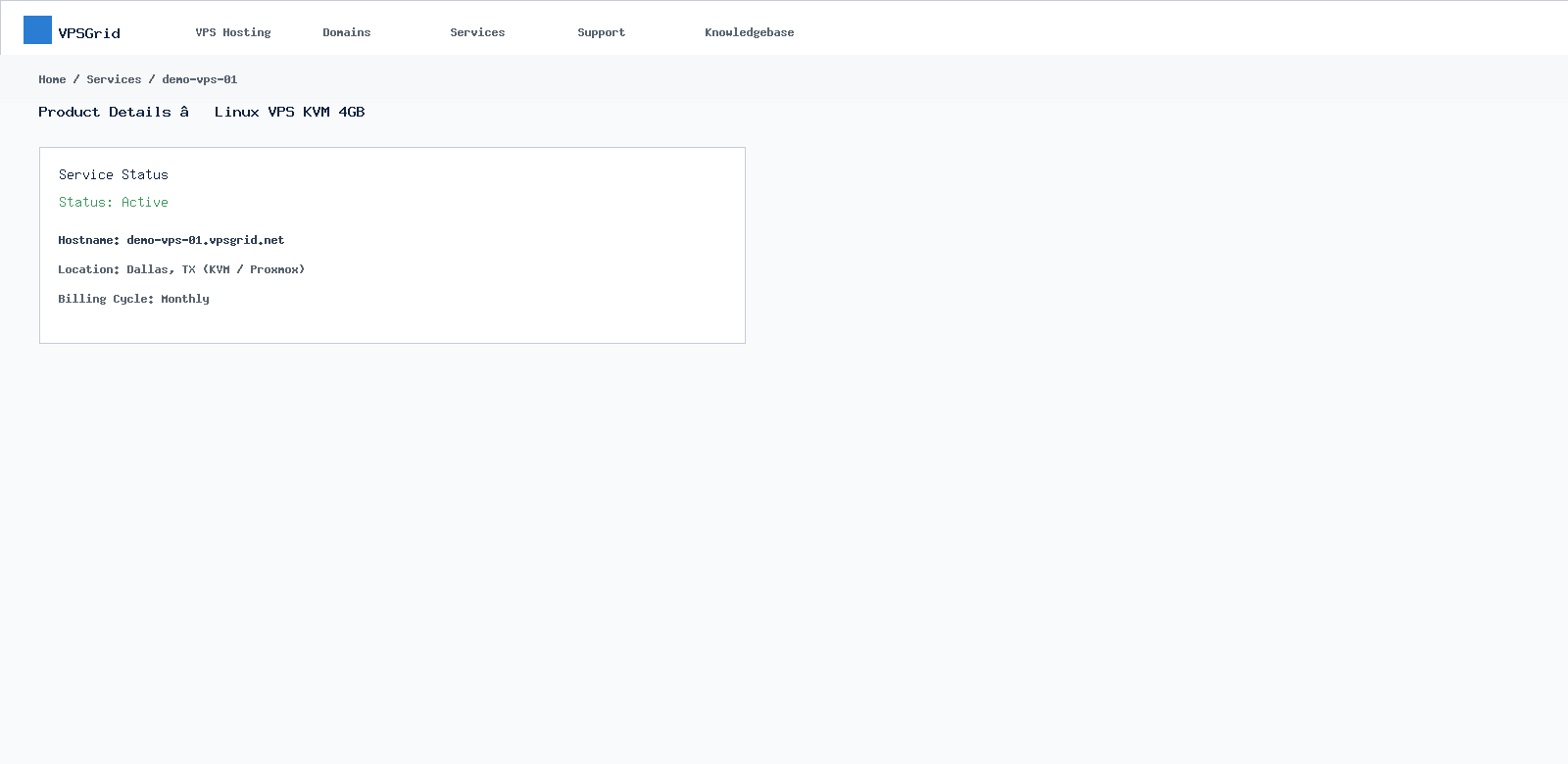 Include Active/Suspended status in access tickets.
Reproduction steps
Number steps: "1. Reboot VPS 2. SSH → Connection timed out 3. noVNC shows login prompt". One issue per ticket.
Self-service first
Search this knowledge base — many connectivity issues resolve with noVNC and firewall guides without waiting on support.
Log redaction
Replace API tokens, passwords, and private keys with REDACTED before pasting logs.
Abuse and email
Report compromised VPS promptly. Outbound mail must follow Port 25 policy. Acceptable use: vpsgrid.net/legal.
Verify before submit
- Service ID and IP included
- Exact error text copied — not paraphrased
- Secrets removed from attachments
Frequently Asked Questions
Include root password?
Never. Use noVNC for credential issues or reset password via Client Area.
Urgent outage?
Clear subject line, business impact, duration, and steps already tried. Mark urgency in subject — not ALL CAPS body.
Related Articles
Need More Help?
Search this knowledgebase for related guides. If the issue persists, open a ticket at billing.vpsgrid.net with your service ID, primary IP, and steps already tried. See What Information to Include in a Support Request and Security Responsibilities on Unmanaged VPS for scope and required details.
Was this answer helpful?

